
Step values
The step views are where you shape the relationship between your steps: how much velocity the trig on each step has, and how long or short the note it fires is. You draw that shape once on the grid, and then that view’s knob on the LaunchControl scales the whole thing at once, louder or quieter, longer or shorter, without flattening the sequence you programmed.
There are three of them. Two sit on the synth sequencers, one for velocity and one for duty. The third is on the TR-8, for accent.
To edit, press any pad on the grid: the column picks the step, the row sets the value, and the write happens straight away with no modifier held. The columns shaded slate grey are the steps where a trig plays, counting Euclidean hits and following any rotation.
Holding SHIFT and pressing MUTE resets all sixteen steps to the level of the row you press, and holding SHIFT and pressing SOLO randomises them around it. Reset and randomise has the full matrix.
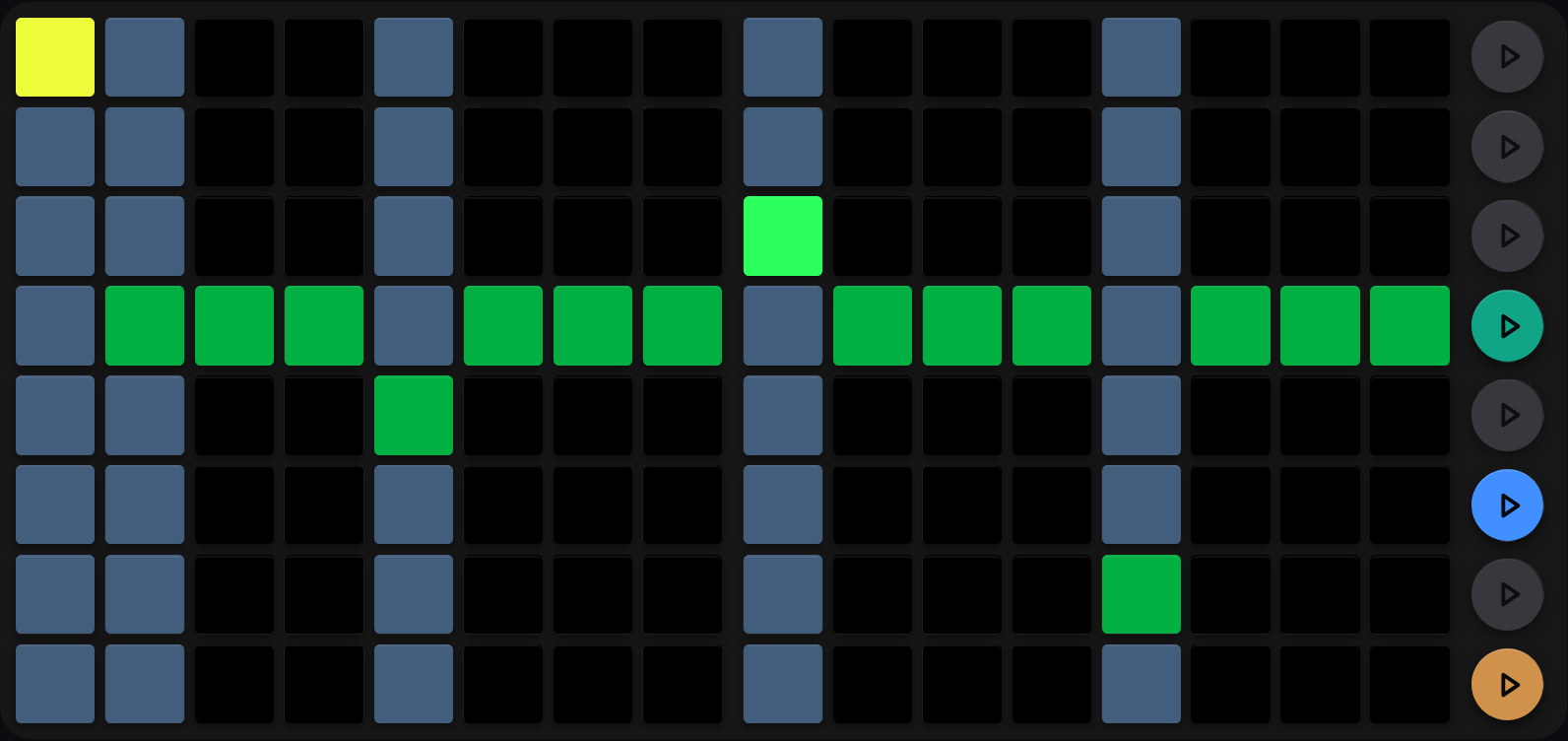
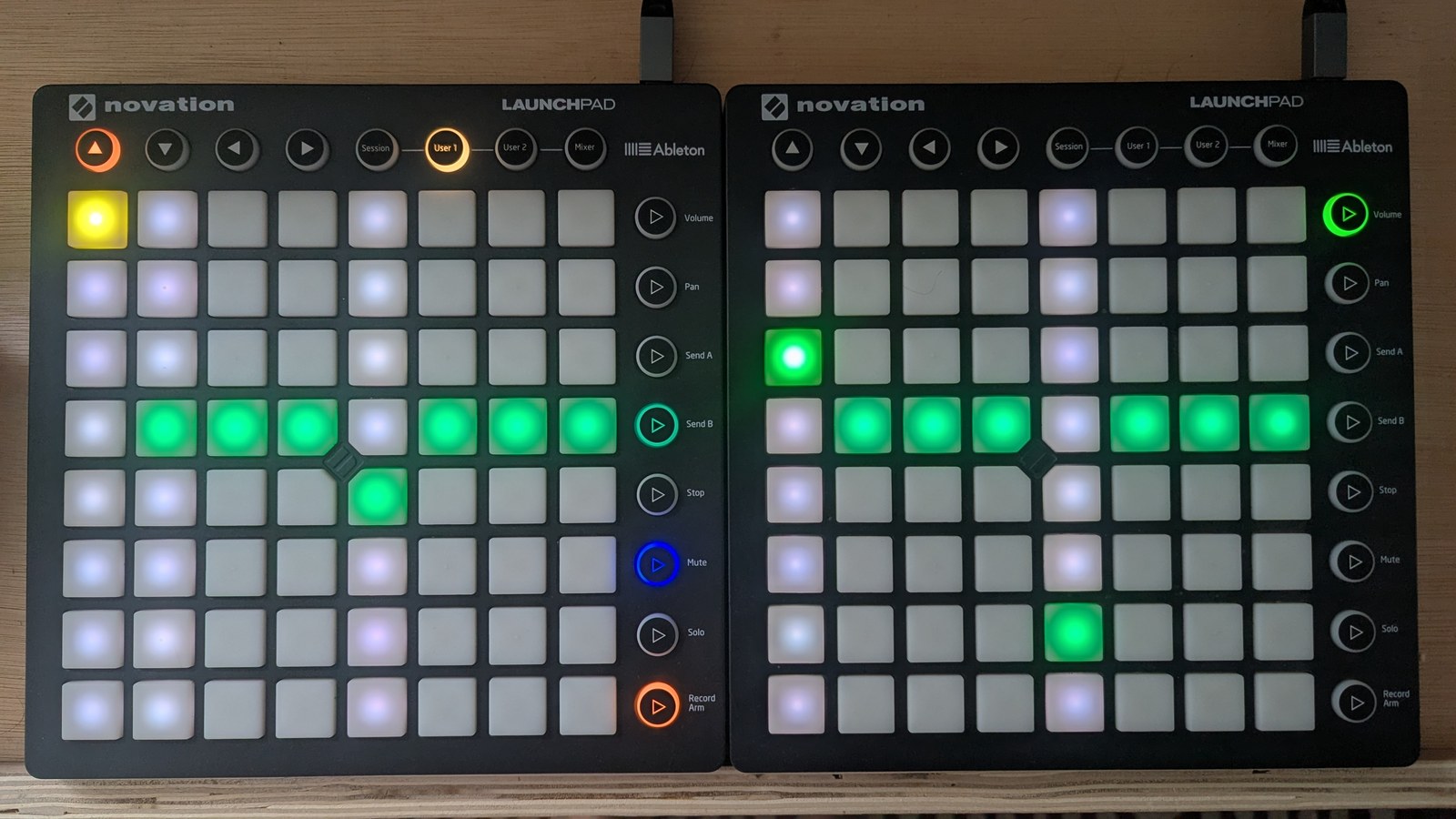
Duty on the chord from Trigs. A baseline of 5 with step 1 pushed up to 8, step 9 raised to 6, and steps 5 and 13 pulled down.
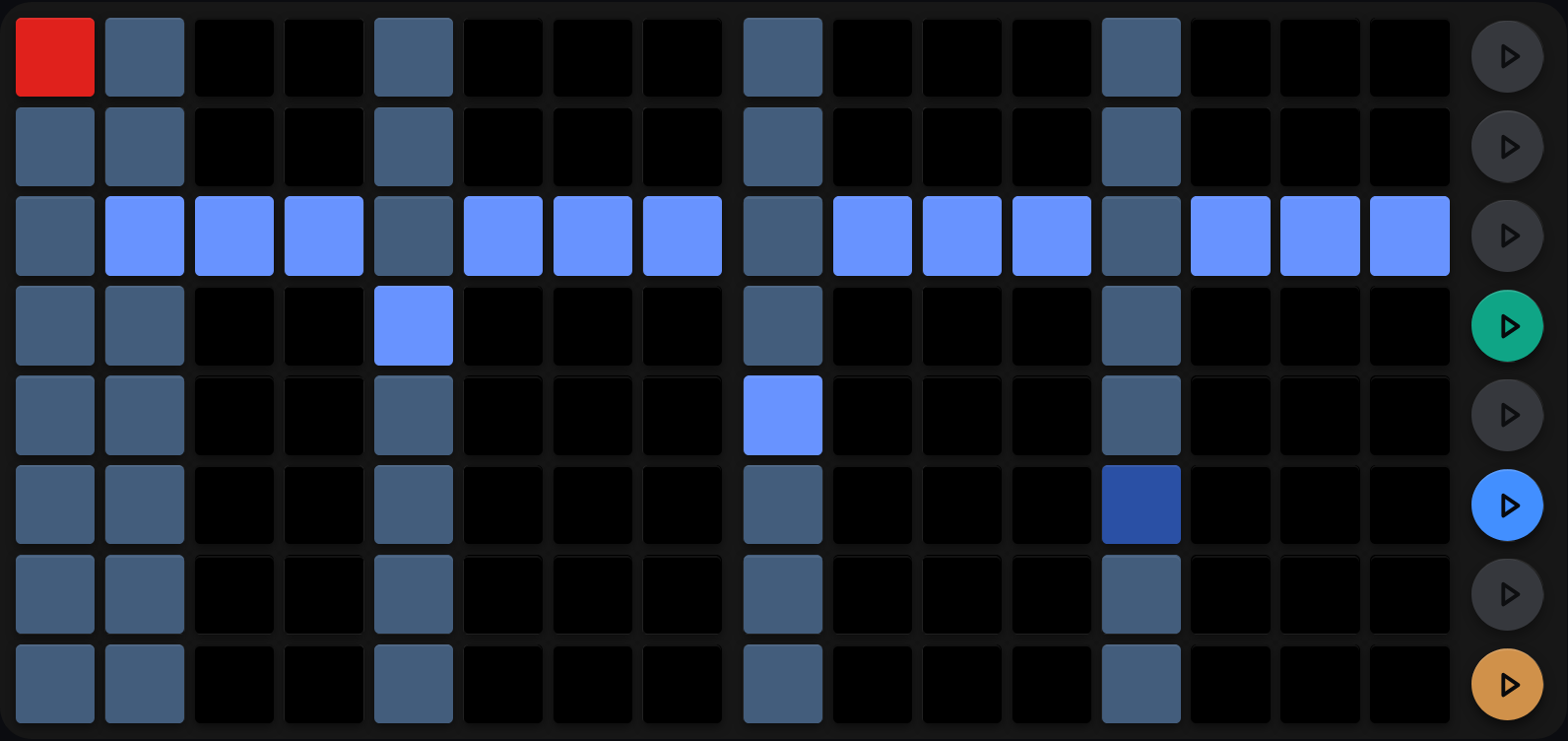
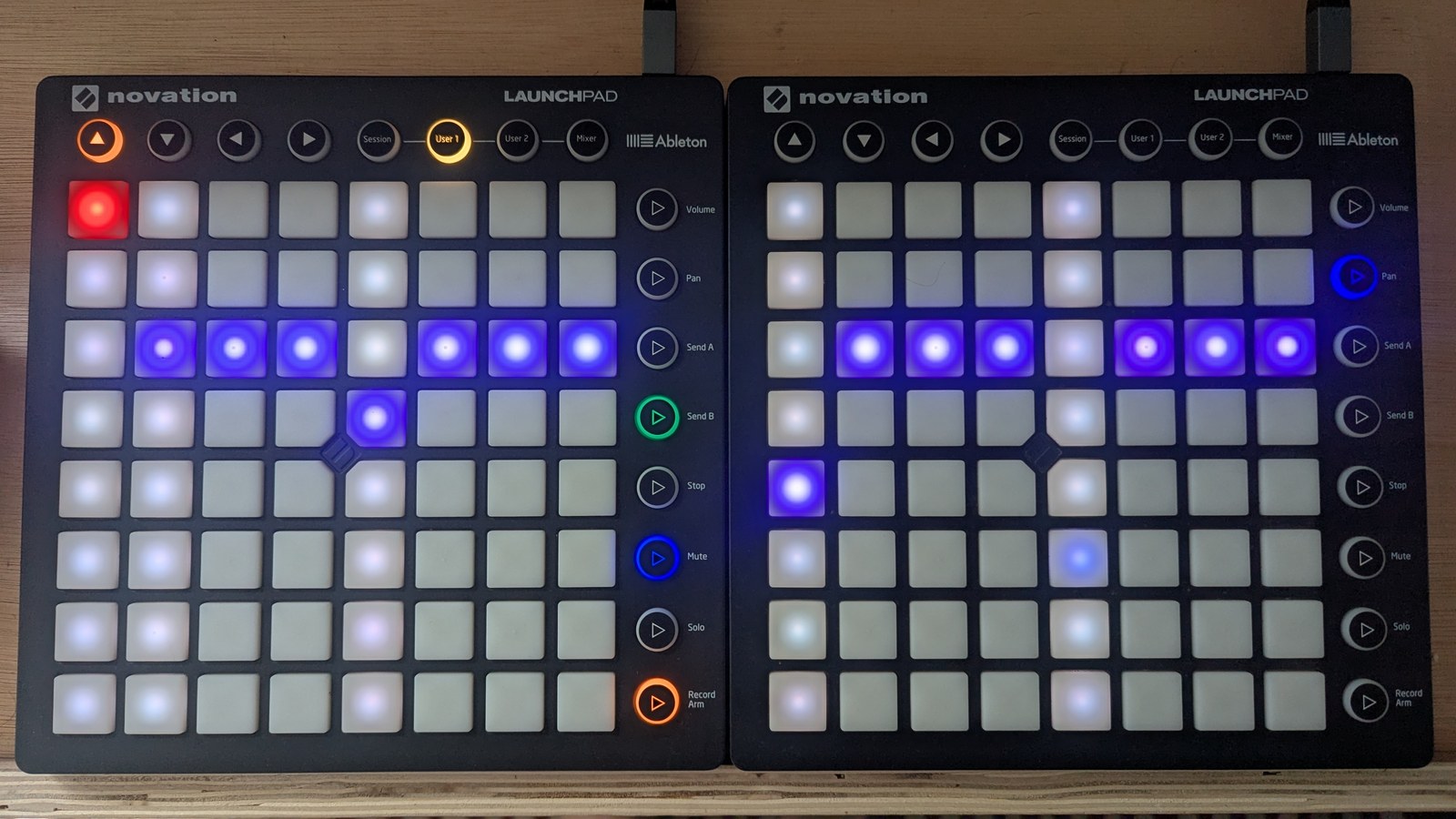
Velocity on the same four hits, and the same layout. An accent of 8 on step 1, then a descent to 3 by step 13. That sequencer’s velocity knob, the middle knob row on the LaunchControl, moves all of it together.
What a value means
Every step holds a value from 1, on the bottom row, to 8, on the top row, and that number is never the velocity or the note length the MSEQ sends. What it means depends on which view you are in, because the three views measure three different things. The value in bold is the neutral one.
| Value | Duty (note length) | Velocity (share of the knob) | Accent (multiplier) |
|---|---|---|---|
| 1 (bottom) | 1/64 |
8% | 0.80x |
| 2 | 1/32 |
14% | 0.85x |
| 3 | 1/16T |
29% | 0.95x |
| 4 | 1/32. |
43% | 1.00x |
| 5 | 1/16 |
57% | 1.05x |
| 6 | 1/8T |
71% | 1.10x |
| 7 | 1/16. |
86% | 1.15x |
| 8 (top) | 1/8 |
100% | 1.20x |
The duty lengths are named at the Full clock division, where one step is a 16th.
On a slower or faster sequencer they scale with the step: at Half, 1/16 lasts
a whole Half step. See Arp curves.
A value of 1 is never silence. On velocity it is the quietest value the MSEQ sends, and on duty it is the shortest note rather than no note. To stop a step firing, turn its trig off.
What acts on it
For the velocity and duty step views, the duty knob (top row) and velocity knob (middle row) on the LaunchControl, in that sequencer’s column, scale the value you set on the grid.
The TR-8 accent is a velocity modifier across the whole kit. A synth row carries its own velocity, but the TR-8 holds one accent value per step, shared by every voice, so it lifts or drops everything firing on that step together. That is the 0.80x to 1.20x in the table. The top knob row of its column sets how much of that spread applies, so with it turned down the accent values stop doing anything.
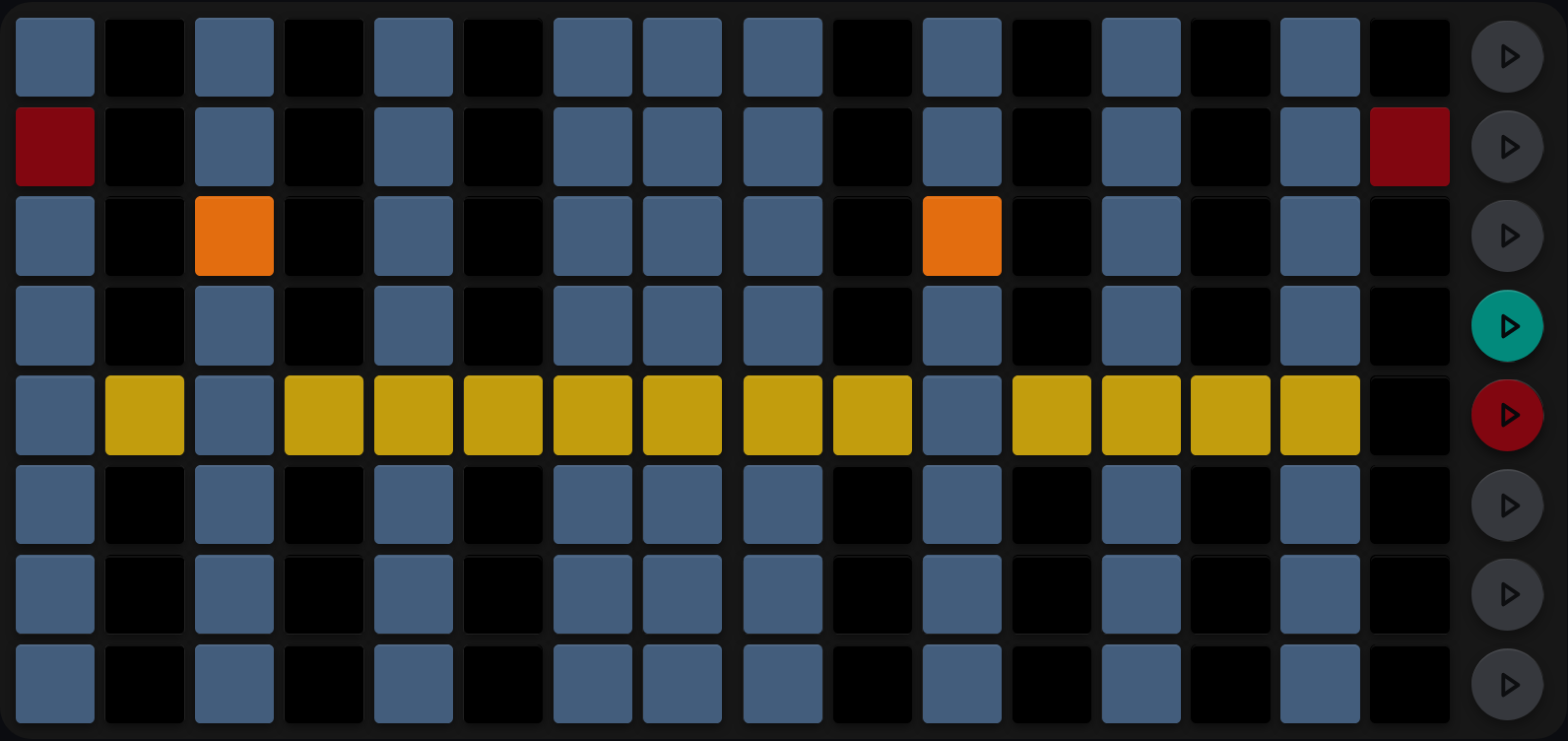
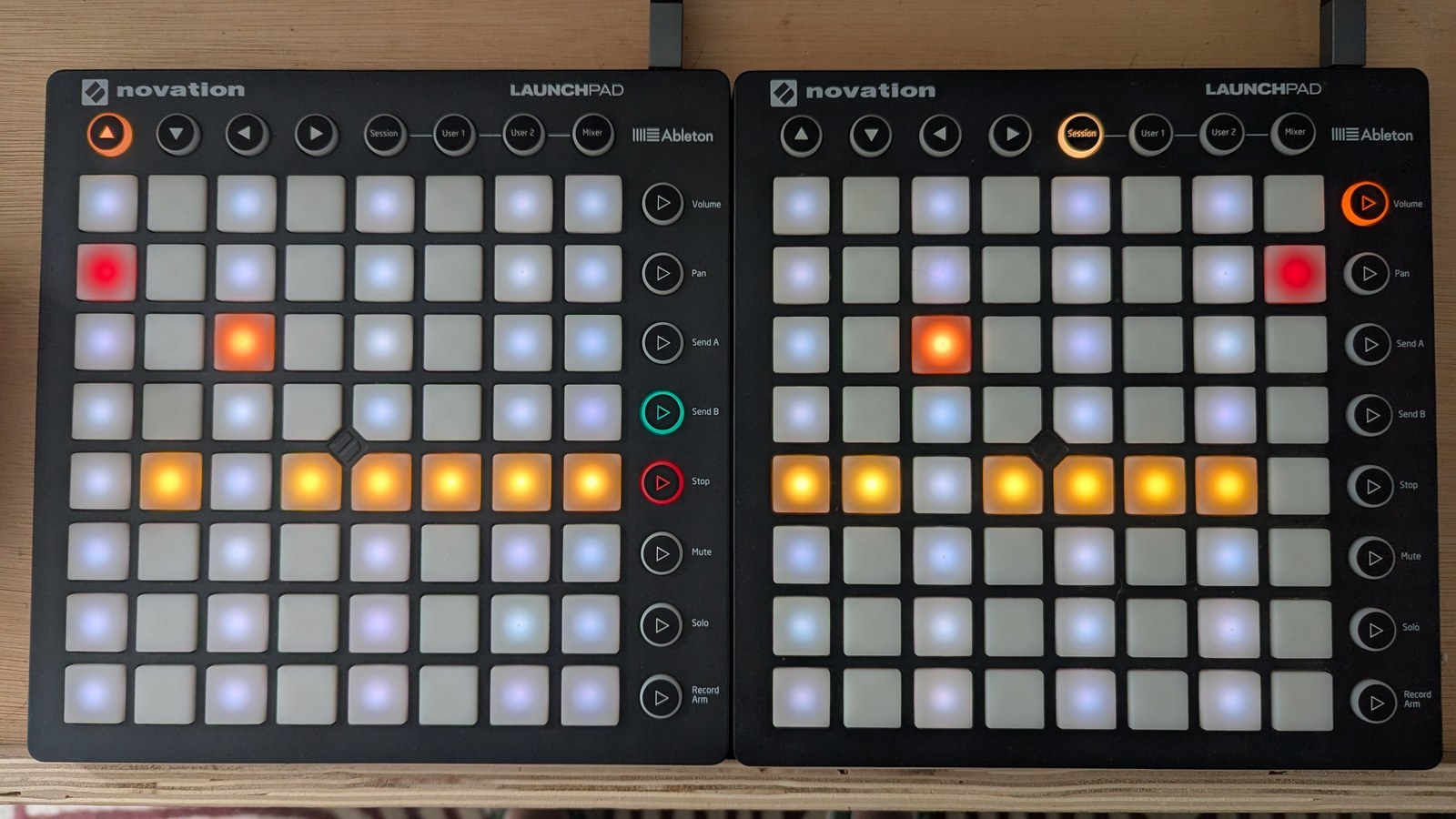
TR-8 accent on a busy kit. A baseline of 4, lifted to 6 on steps 3 and 11 and to 7 at each end. Nine columns are slate, because on a drum pattern most steps carry a trig somewhere.
Arps act on your shape as well, and the two kinds act differently. A velocity arp scales the value you set, the same way the velocity knob does. A velocity arp of 1, on the default curve, is the one place a value does silence a step, as a real rest. A duty arp does not scale at all: it moves the length you drew up or down the list of note lengths. At 5 it leaves your step alone, each value above 5 makes the note one length longer, and each value below 5 one shorter. Velocity and duty arps covers both.
The note-length curve is per sequencer and you can edit it, so the duty column shows the default. The velocity column and the accent spread are fixed. See Arp curves.